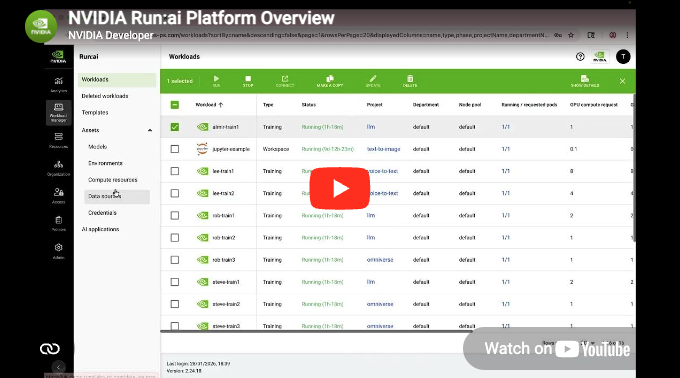
Platform Overview | Platform Overview | Platform Overview.png |
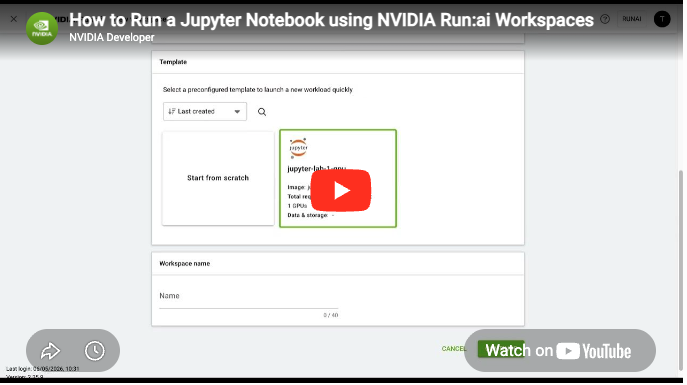
How to Run a Jupyter Notebook using Workspaces | How to Run a Jupyter Notebook Using Workspaces | Screenshot 2026-05-29 at 9.30.07 AM.png |
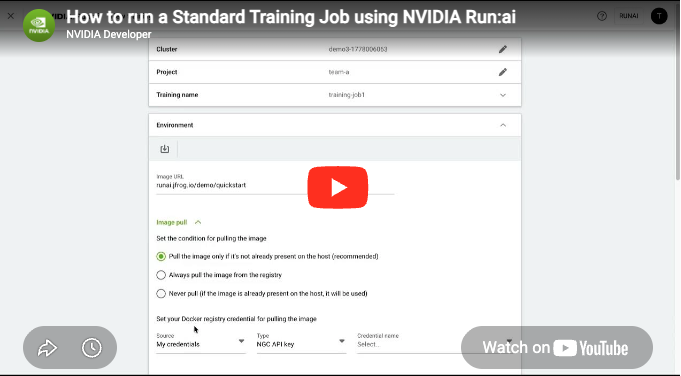
How to Run a Standard Training Job | How to Run a Standard Training Job | Standard Training.png |
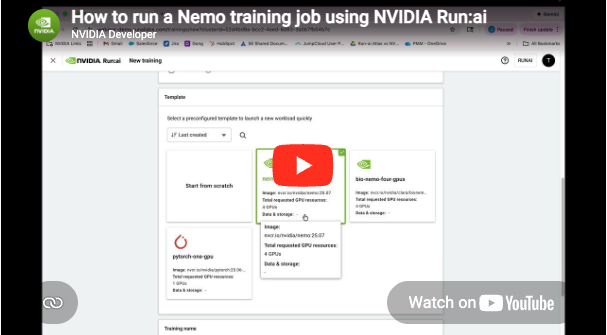
How to Run a Nemo Training Job | How to Run a Nemo Training Job | How to Run a Nemo training Job.png |
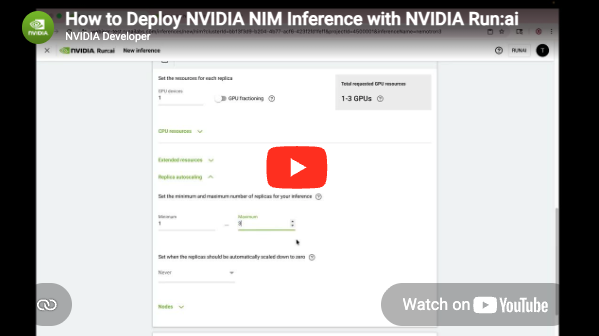
How to Deploy NVIDIA NIM Inference | How to Deploy NVIDIA NIM Inference | NIM.png |
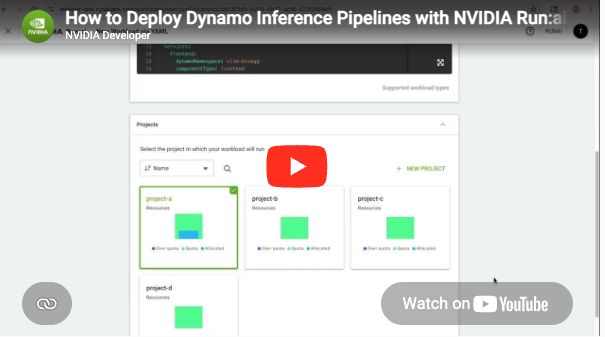
How to Deploy Dynamo Inference Pipelines | How to Deploy Dynamo Inference Pipelines | Dynamo.png |
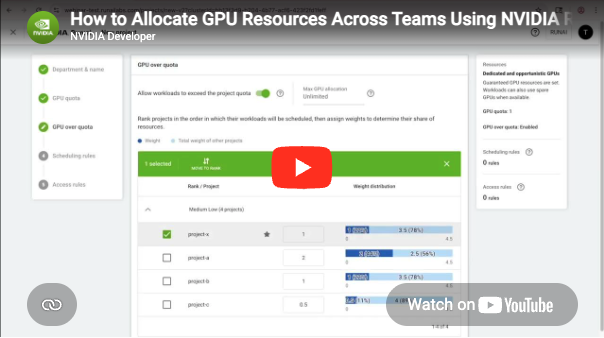
How to Allocate GPU Resources Across Teams | How to Allocate GPU Resources Across Teams | Allocate GPU Resources.png |
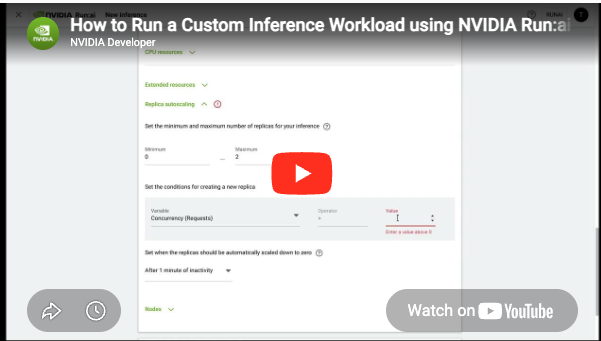
How to Run a Custom Inference Workload | How to Run a Custom Inference Workload | Custom Inference.png |
Topology-Aware GPU Scheduling | Topology-Aware GPU Scheduling | Topology.png |
Deploy and Manage NVIDIA RAG Blueprint | Deploy and Manage NVIDIA RAG Blueprint | RAG Blueprint.png |
How to Create an AI Application | How to Create an AI Application | AI Application.png |
Over-Quota GPU Usage with Fairness and Preemption | Over-Quota GPU Usage with Fairness and Preemption | Over-Quota.png |
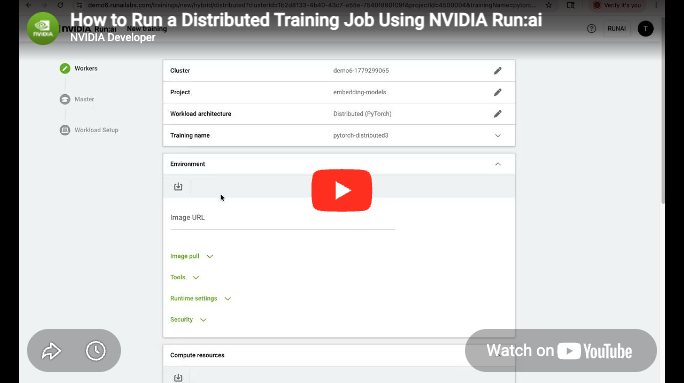
How to Run a Distributed Training Job | How to Run a Distributed Training Job | Distributed Training.png |
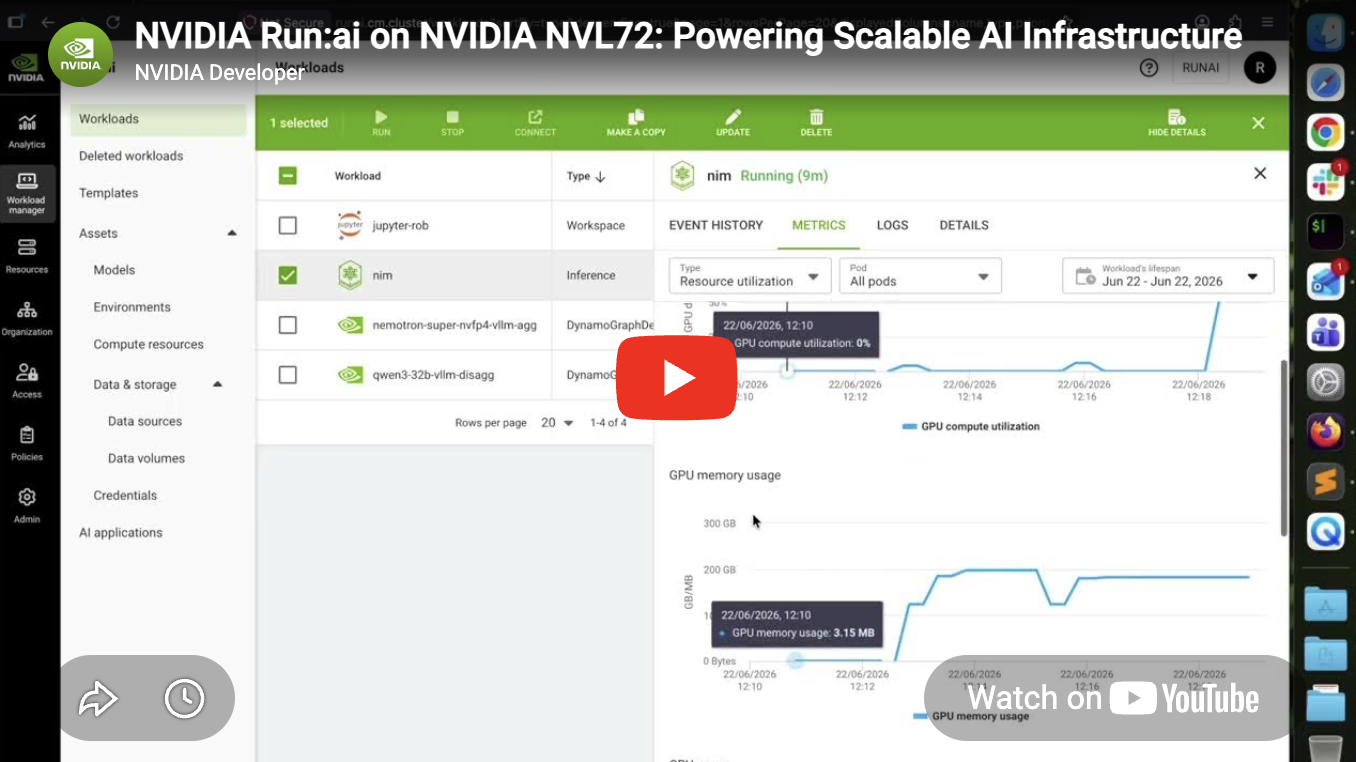
NVIDIA Run:ai on NVIDIA NVL72 | NVIDIA Run:ai on NVIDIA NVL72 | Screenshot 2026-06-25 at 1.11.53 PM.png |
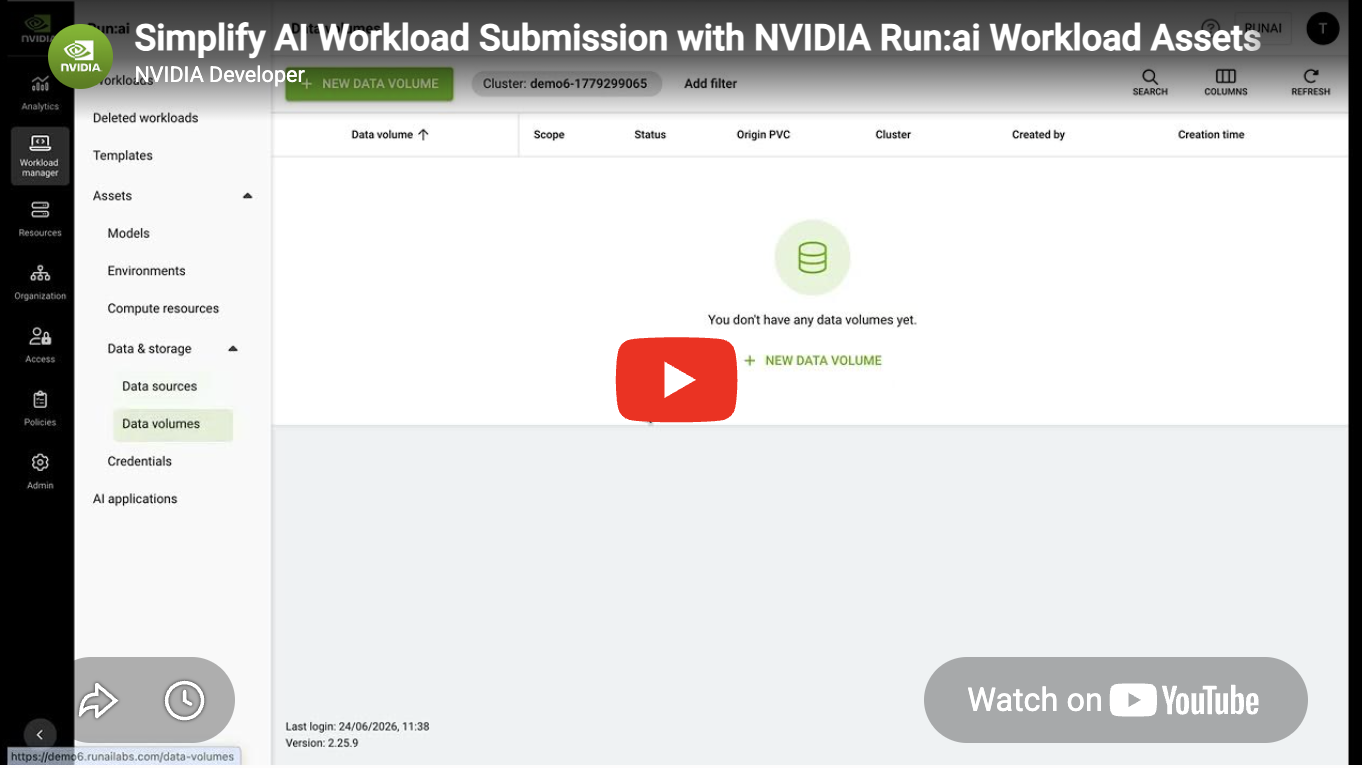
Simplify AI Workload Submission with Workload Assets | Simplify AI Workload Submission with Workload Assets | Screenshot 2026-06-25 at 1.12.35 PM.png |
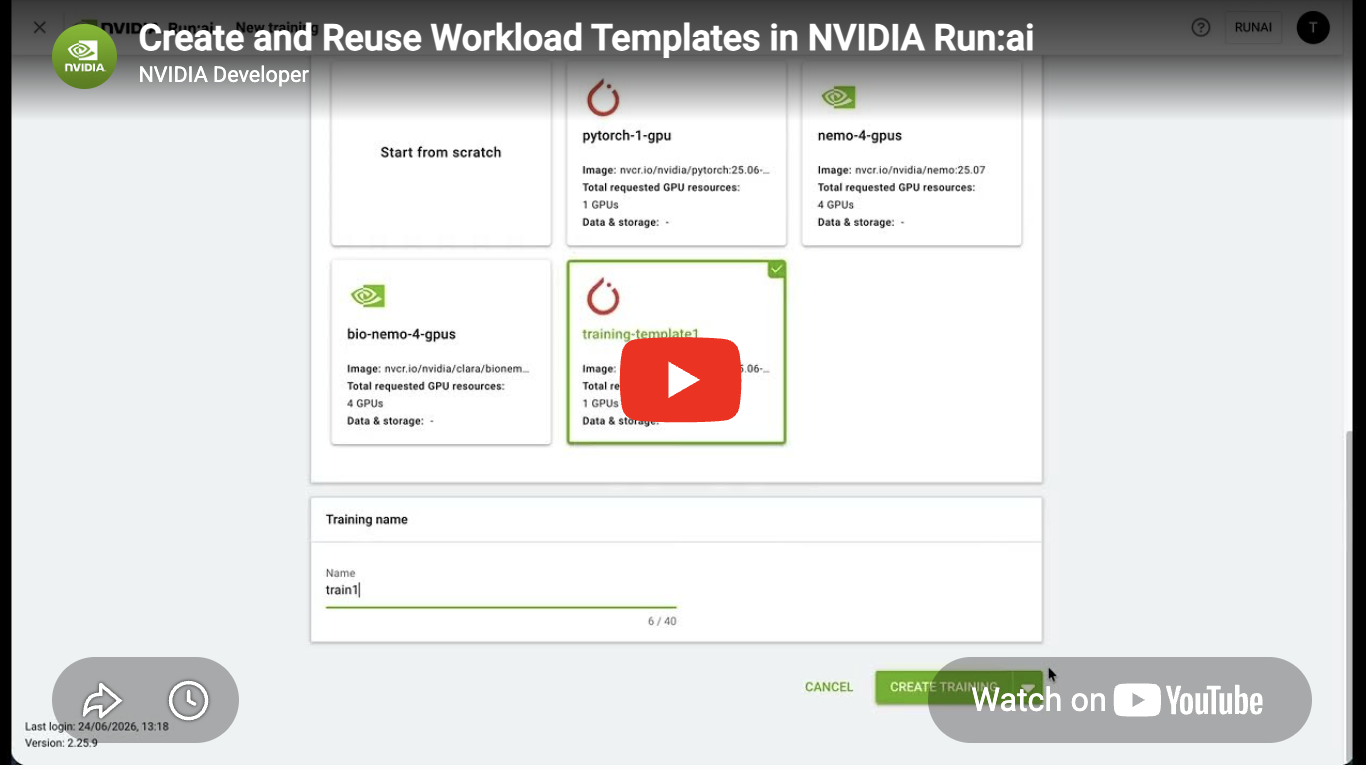
Create and Reuse Workload Templates | Create and Reuse Workload Templates | Screenshot 2026-06-25 at 1.12.45 PM.png |
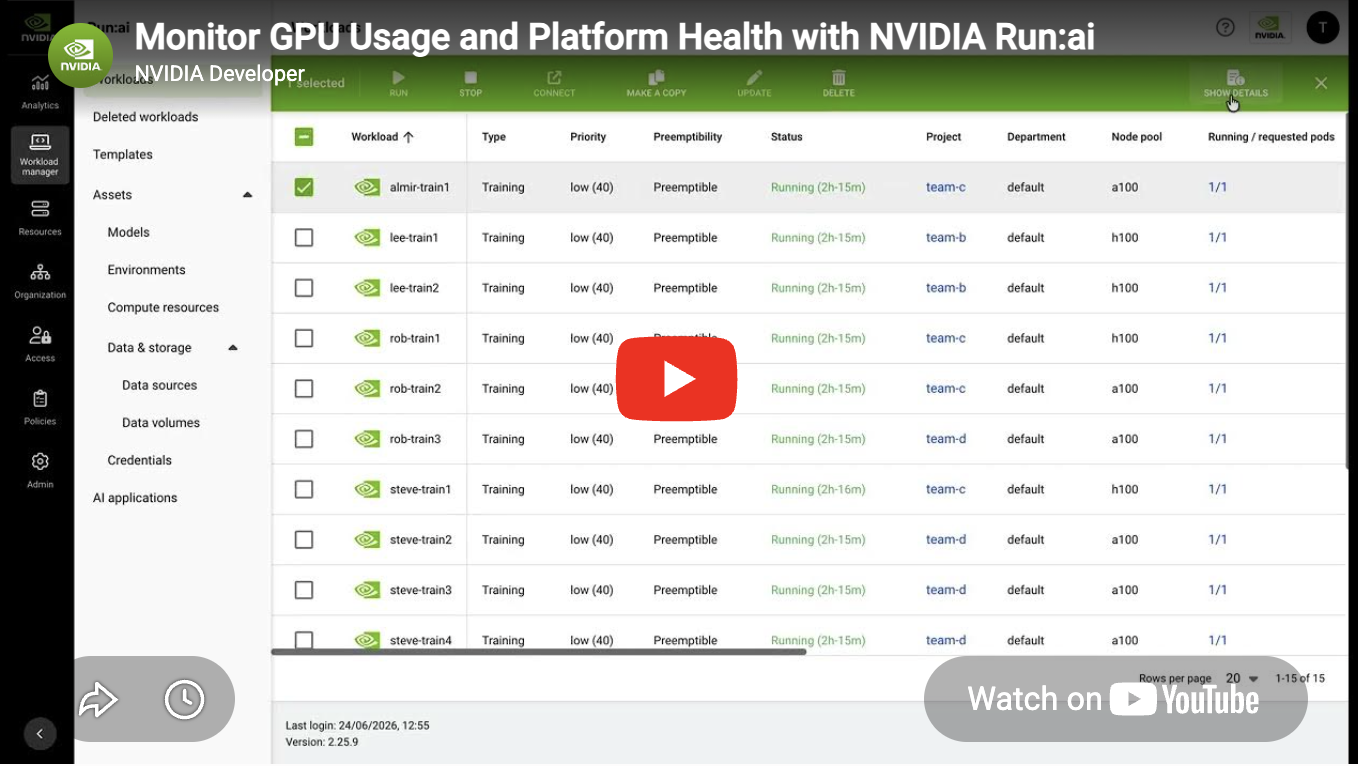
Monitor GPU Usage and Platform Health | Monitor GPU Usage and Platform Health | Screenshot 2026-06-25 at 1.12.55 PM.png |