> For the complete documentation index, see [llms.txt](https://run-ai-docs.nvidia.com/llms.txt). Markdown versions of documentation pages are available by appending `.md` to page URLs; this page is available as [Markdown](https://run-ai-docs.nvidia.com/self-hosted/resources/videos.md).

# Videos

Explore NVIDIA Run:ai product videos, demos, and walkthroughs covering key platform workflows and capabilities.

{% hint style="info" %}
**Note**\
\
Videos may have been recorded using earlier versions of NVIDIA Run:ai. Product screens, features, and workflows may differ in newer releases. For the latest guidance, refer to the current documentation.
{% endhint %}

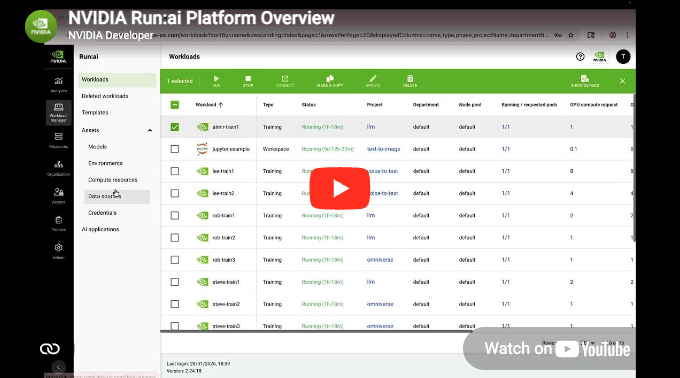
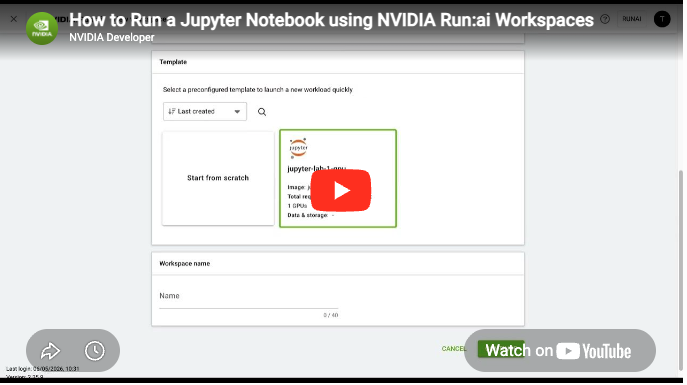
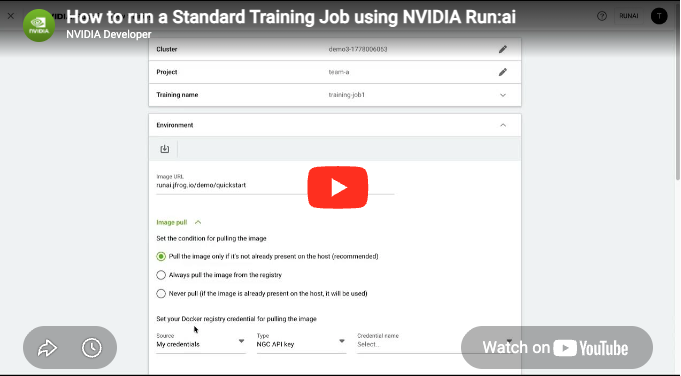
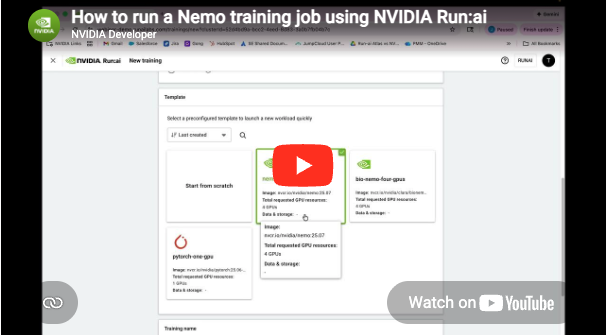
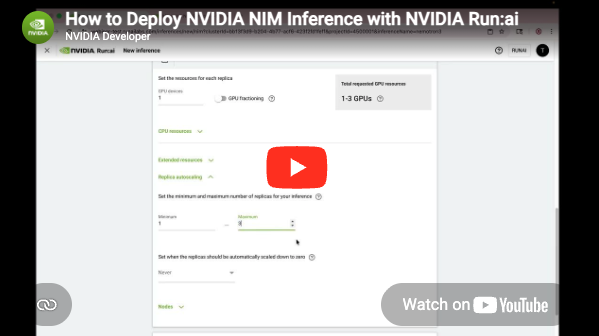
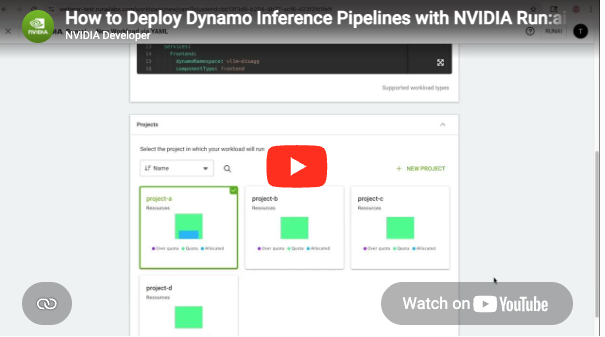
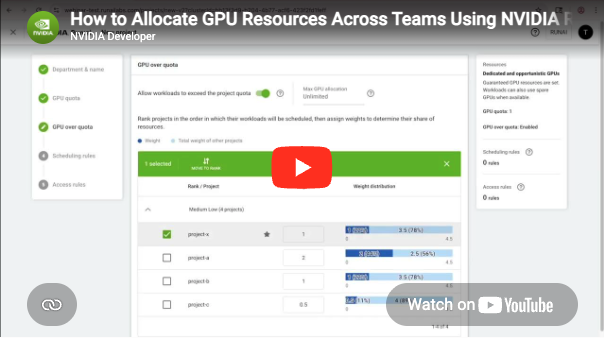
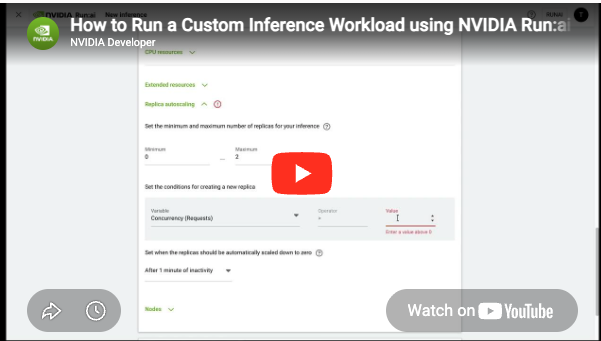
<table data-view="cards"><thead><tr><th></th><th data-hidden data-card-target data-type="content-ref"></th><th data-hidden data-card-cover data-type="image">Cover image</th></tr></thead><tbody><tr><td><h4>Platform Overview</h4></td><td><a href="/self-hosted/resources/videos/platform-overview.md">Platform Overview</a></td><td><a href="https://1843187746-files.gitbook.io/~/files/v0/b/gitbook-x-prod.appspot.com/o/spaces%2FZNGVYs8RM1KF89eNrzzE%2Fuploads%2Fgit-blob-a3b7e806d3cffc1743a3dc2a9423cf495b6b44d2%2FPlatform%20Overview.png?alt=media">Platform Overview.png</a></td></tr><tr><td><h4>How to Run a Jupyter Notebook using Workspaces</h4></td><td><a href="/self-hosted/resources/videos/how-to-run-a-jupyter-notebook-using-workspaces.md">How to Run a Jupyter Notebook Using Workspaces</a></td><td><a href="https://1843187746-files.gitbook.io/~/files/v0/b/gitbook-x-prod.appspot.com/o/spaces%2FZNGVYs8RM1KF89eNrzzE%2Fuploads%2Fgit-blob-a1753d1a57a2d2fab3fc299dc5d898294fe7ea8b%2FScreenshot%202026-05-29%20at%209.30.07%E2%80%AFAM.png?alt=media">Screenshot 2026-05-29 at 9.30.07 AM.png</a></td></tr><tr><td><h4>How to Run a Standard Training Job</h4></td><td><a href="/self-hosted/resources/videos/how-to-run-a-standard-training-job.md">How to Run a Standard Training Job</a></td><td><a href="https://1843187746-files.gitbook.io/~/files/v0/b/gitbook-x-prod.appspot.com/o/spaces%2FZNGVYs8RM1KF89eNrzzE%2Fuploads%2Fgit-blob-770173e3d2c5fa9ede0e725ba6677ee22887b7c3%2FStandard%20Training.png?alt=media">Standard Training.png</a></td></tr><tr><td><h4>How to Run a Nemo Training Job</h4></td><td><a href="/self-hosted/resources/videos/how-to-run-a-nemo-training-job.md">How to Run a Nemo Training Job</a></td><td><a href="https://1843187746-files.gitbook.io/~/files/v0/b/gitbook-x-prod.appspot.com/o/spaces%2FZNGVYs8RM1KF89eNrzzE%2Fuploads%2Fgit-blob-e60ac7b96ddbaaf2dd86cab58ed929bdb42aff63%2FHow%20to%20Run%20a%20Nemo%20training%20Job.png?alt=media">How to Run a Nemo training Job.png</a></td></tr><tr><td><h4>How to Deploy NVIDIA NIM Inference</h4></td><td><a href="/self-hosted/resources/videos/how-to-deploy-nvidia-nim-inference.md">How to Deploy NVIDIA NIM Inference</a></td><td><a href="https://1843187746-files.gitbook.io/~/files/v0/b/gitbook-x-prod.appspot.com/o/spaces%2FZNGVYs8RM1KF89eNrzzE%2Fuploads%2Fgit-blob-b7511b705a165a296efdb26e21e89d5ee00ab980%2FNIM.png?alt=media">NIM.png</a></td></tr><tr><td><h4>How to Deploy Dynamo Inference Pipelines</h4></td><td><a href="/self-hosted/resources/videos/how-to-deploy-dynamo-inference-pipelines.md">How to Deploy Dynamo Inference Pipelines</a></td><td><a href="https://1843187746-files.gitbook.io/~/files/v0/b/gitbook-x-prod.appspot.com/o/spaces%2FZNGVYs8RM1KF89eNrzzE%2Fuploads%2Fgit-blob-488747cfb622ed0a364e6c59ae69dda327da187e%2FDynamo.png?alt=media">Dynamo.png</a></td></tr><tr><td><h4>How to Allocate GPU Resources Across Teams</h4></td><td><a href="/self-hosted/resources/videos/how-to-allocate-gpu-resources-across-teams.md">How to Allocate GPU Resources Across Teams</a></td><td><a href="https://1843187746-files.gitbook.io/~/files/v0/b/gitbook-x-prod.appspot.com/o/spaces%2FZNGVYs8RM1KF89eNrzzE%2Fuploads%2Fgit-blob-ec0388b47a78de78e3681d5555cc10178d83fc12%2FAllocate%20GPU%20Resources.png?alt=media">Allocate GPU Resources.png</a></td></tr><tr><td><h4>How to Run a Custom Inference Workload</h4></td><td><a href="/self-hosted/resources/videos/how-to-run-a-custom-inference-workload.md">How to Run a Custom Inference Workload</a></td><td><a href="https://1843187746-files.gitbook.io/~/files/v0/b/gitbook-x-prod.appspot.com/o/spaces%2FZNGVYs8RM1KF89eNrzzE%2Fuploads%2Fgit-blob-d2fd9282e76c8836b6058cfcc10433e1809377cc%2FCustom%20Inference.png?alt=media">Custom Inference.png</a></td></tr><tr><td><h4>Topology-Aware GPU Scheduling</h4></td><td><a href="/self-hosted/resources/videos/topology-aware-gpu-scheduling.md">Topology-Aware GPU Scheduling</a></td><td><a href="https://1843187746-files.gitbook.io/~/files/v0/b/gitbook-x-prod.appspot.com/o/spaces%2FZNGVYs8RM1KF89eNrzzE%2Fuploads%2Fgit-blob-379a00cac419c69a913b1eca267033a4627a8ec5%2FTopology.png?alt=media">Topology.png</a></td></tr><tr><td><h4>Deploy and Manage NVIDIA RAG Blueprint</h4></td><td><a href="/self-hosted/resources/videos/deploy-and-manage-nvidia-rag-blueprint.md">Deploy and Manage NVIDIA RAG Blueprint</a></td><td><a href="https://1843187746-files.gitbook.io/~/files/v0/b/gitbook-x-prod.appspot.com/o/spaces%2FZNGVYs8RM1KF89eNrzzE%2Fuploads%2Fgit-blob-3a396652bd59fbc435d0b898b7b4984496d613dd%2FRAG%20Blueprint.png?alt=media">RAG Blueprint.png</a></td></tr><tr><td><h4>How to Create an AI Application</h4></td><td><a href="/self-hosted/resources/videos/how-to-create-an-ai-application.md">How to Create an AI Application</a></td><td><a href="https://1843187746-files.gitbook.io/~/files/v0/b/gitbook-x-prod.appspot.com/o/spaces%2FZNGVYs8RM1KF89eNrzzE%2Fuploads%2FJFanzOEDyzqRkVAF0Dx2%2FAI%20Applications.png?alt=media&amp;token=c92899cb-1984-4db1-bd02-71f1777efa36">AI Applications.png</a></td></tr><tr><td><h4>Over-Quota GPU Usage with Fairness and Preemption</h4></td><td><a href="/self-hosted/resources/videos/over-quota-gpu-usage-with-fairness-and-preemption.md">Over-Quota GPU Usage with Fairness and Preemption</a></td><td><a href="https://1843187746-files.gitbook.io/~/files/v0/b/gitbook-x-prod.appspot.com/o/spaces%2FZNGVYs8RM1KF89eNrzzE%2Fuploads%2FDQLXrXTaWxsQEjrVBS0l%2FOverquota.png?alt=media&amp;token=71b1e040-df70-424b-8de3-cdafc6c1aeb6">Overquota.png</a></td></tr><tr><td><h4>How to Run a Distributed Training Job</h4></td><td><a href="/self-hosted/resources/videos/how-to-run-a-distributed-training-job.md">How to Run a Distributed Training Job</a></td><td><a href="https://1843187746-files.gitbook.io/~/files/v0/b/gitbook-x-prod.appspot.com/o/spaces%2FZNGVYs8RM1KF89eNrzzE%2Fuploads%2F4TJL2PgB0jrTIF7PJ6DW%2FDistributed%20Training.png?alt=media&amp;token=4682b341-7673-4572-a6ac-2ec4804cd3a9">Distributed Training.png</a></td></tr><tr><td><h4>NVIDIA Run:ai on NVIDIA NVL72</h4></td><td><a href="/self-hosted/resources/videos/nvidia-run-ai-on-nvidia-nvl72.md">NVIDIA Run:ai on NVIDIA NVL72</a></td><td><a href="https://1843187746-files.gitbook.io/~/files/v0/b/gitbook-x-prod.appspot.com/o/spaces%2FZNGVYs8RM1KF89eNrzzE%2Fuploads%2FosdU9NP8LUlGUm6jfDJE%2FNVIDIA%20Run%3Aai%20on%20NVIDIA%20NVL72.png?alt=media&amp;token=151de68b-7ba5-45ab-a31d-87bce916c130">NVIDIA Run:ai on NVIDIA NVL72.png</a></td></tr><tr><td><h4>Simplify AI Workload Submission with Workload Assets</h4></td><td><a href="/self-hosted/resources/videos/simplify-ai-workload-submission-with-workload-assets.md">Simplify AI Workload Submission with Workload Assets</a></td><td><a href="https://1843187746-files.gitbook.io/~/files/v0/b/gitbook-x-prod.appspot.com/o/spaces%2FZNGVYs8RM1KF89eNrzzE%2Fuploads%2FtgtTri5prTOeDewAWSfb%2FSimplify%20AI%20Workload%20Submission.png?alt=media&amp;token=ff4f2a97-5433-429c-972d-484683db16dd">Simplify AI Workload Submission.png</a></td></tr><tr><td><h4>Create and Reuse Workload Templates</h4></td><td><a href="/self-hosted/resources/videos/create-and-reuse-workload-templates.md">Create and Reuse Workload Templates</a></td><td><a href="https://1843187746-files.gitbook.io/~/files/v0/b/gitbook-x-prod.appspot.com/o/spaces%2FZNGVYs8RM1KF89eNrzzE%2Fuploads%2Fhq8W9lcs5xmpLyQcBLPT%2FCreate%20and%20Reuse%20Workload%20Templates.png?alt=media&amp;token=8f199e06-44f1-41c5-bcaa-35fd81a2abbf">Create and Reuse Workload Templates.png</a></td></tr><tr><td><h4>Monitor GPU Usage and Platform Health</h4></td><td><a href="/self-hosted/resources/videos/monitor-gpu-usage-and-platform-health.md">Monitor GPU Usage and Platform Health</a></td><td><a href="https://1843187746-files.gitbook.io/~/files/v0/b/gitbook-x-prod.appspot.com/o/spaces%2FZNGVYs8RM1KF89eNrzzE%2Fuploads%2FgPVaQTeXyybYqntswBWL%2FMonitor%20GPU%20Usage.png?alt=media&amp;token=dd34dff8-f08e-48b7-b10b-09fcd874b564">Monitor GPU Usage.png</a></td></tr></tbody></table>


---

# Agent Instructions
This documentation is published with GitBook. GitBook is the documentation platform designed so that both humans and AI agents can read, navigate, and reason over technical content effectively. Learn more at gitbook.com.

## Querying This Documentation
If you need additional information that is not directly available in this page, you can query the documentation by asking a question.

Perform an HTTP GET request on the following URL with the `ask` and `goal` query parameters:

```
GET https://run-ai-docs.nvidia.com/self-hosted/resources/videos.md?ask=<question>&goal=<user_goal>
```

`ask` is the immediate question: it should be specific, self-contained, and written in natural language.
`goal` is what the user is ultimately trying to achieve, the reason they need the answer. Sharing it helps GitBook give you a better, more relevant answer. A goal is most helpful when it describes the outcome the user wants rather than restating the question. For example, with `ask=how do I create an API token`, a goal like `automate deployments from our CI pipeline` lets GitBook tailor the answer to that use case.

The response will contain a direct answer to the question and relevant excerpts and sources from the documentation.

Use this mechanism when the answer is not explicitly present in the current page, you need clarification or additional context, or you want to retrieve related documentation sections.